vilagai

✓ 34 sourced quotes

Ranked by evidence

4 Best Label Makers of 2026, Ranked by Owner Reviews

Published

I have one and it is excellent EXCEPT....I needed to print the tilde symbol "~". You guessed it, nowhere to be found. Called tech support and they could not find it either.— YouTube comment · @dkupy100 · 2016-06-07 · on the #1 pick, Brother PT-D210

  1. 1 Brother PT-D210Best overall 8 sources
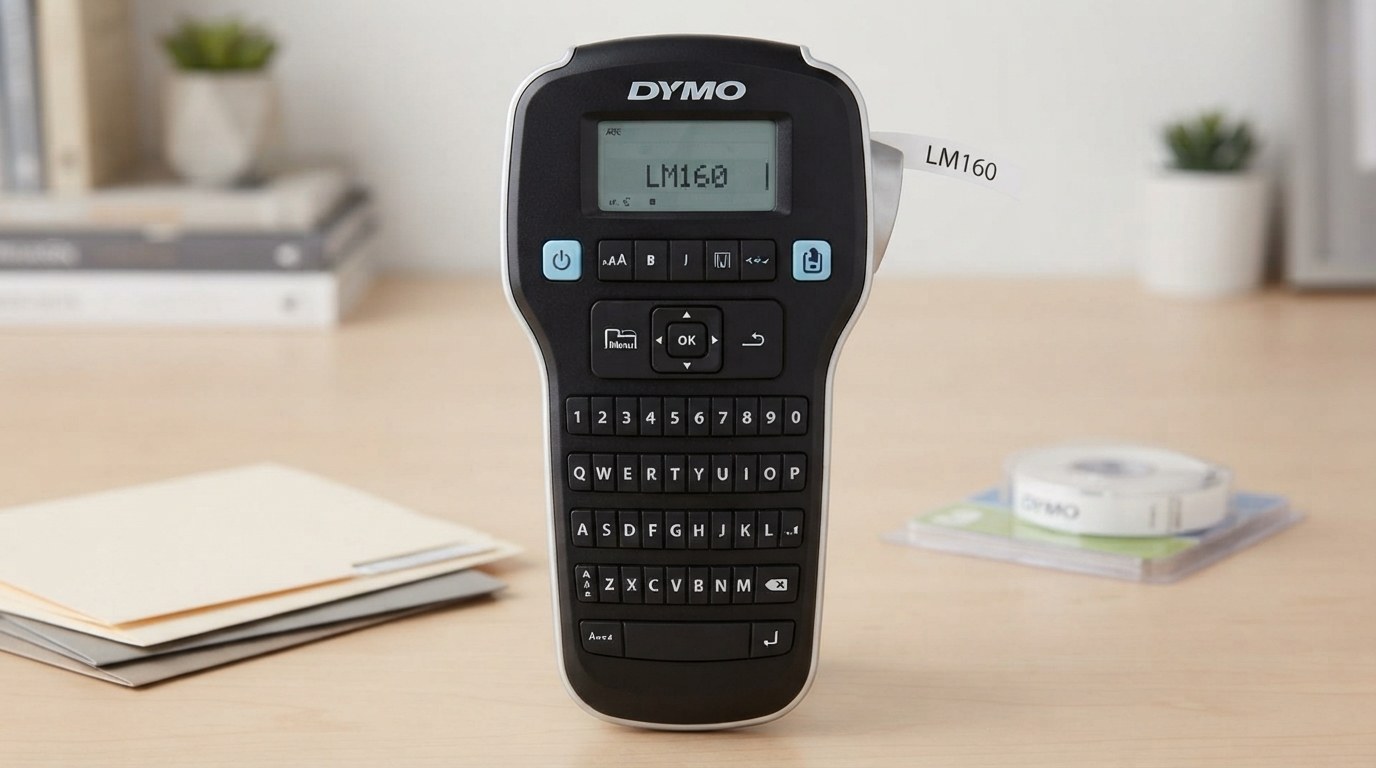
  2. 2 Dymo LabelManager 160Simplest 10 sources
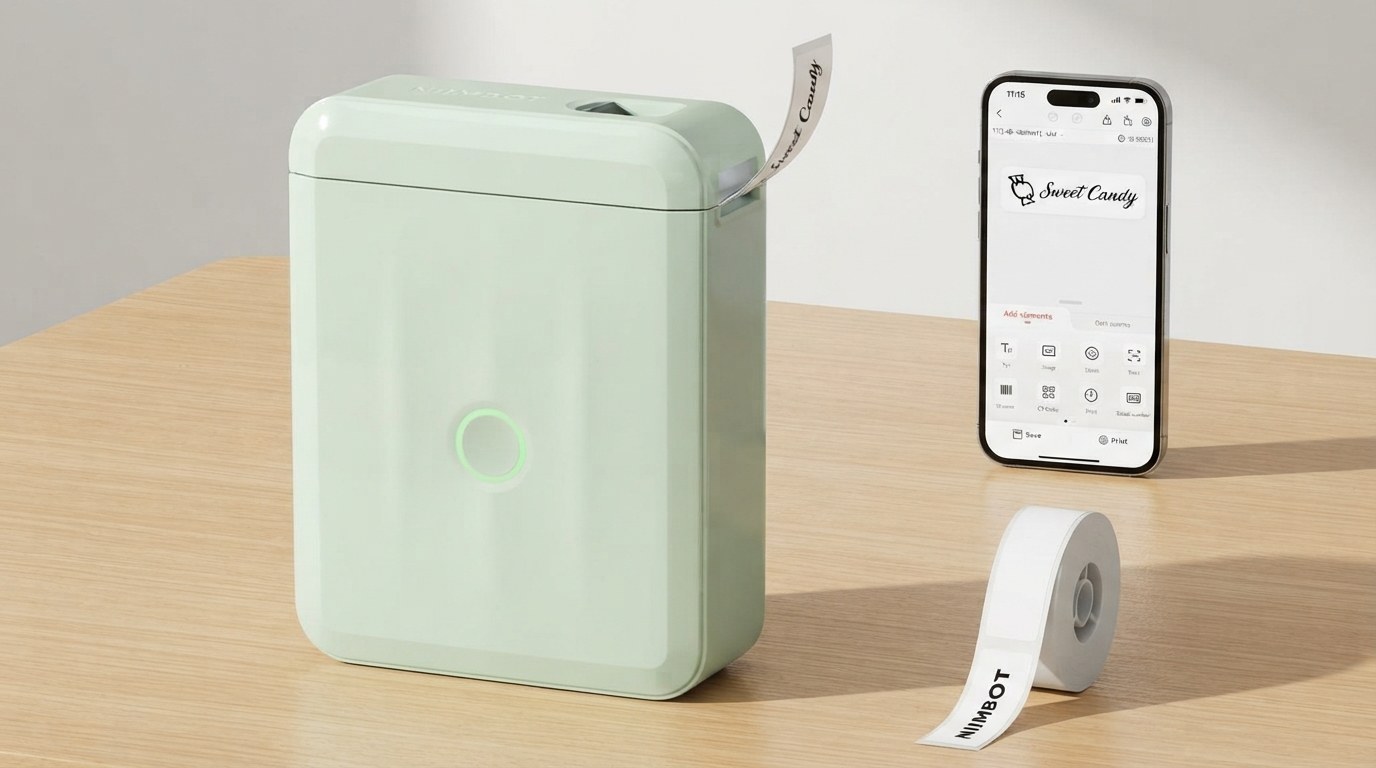
  3. 3 Niimbot D110Best value 9 sources
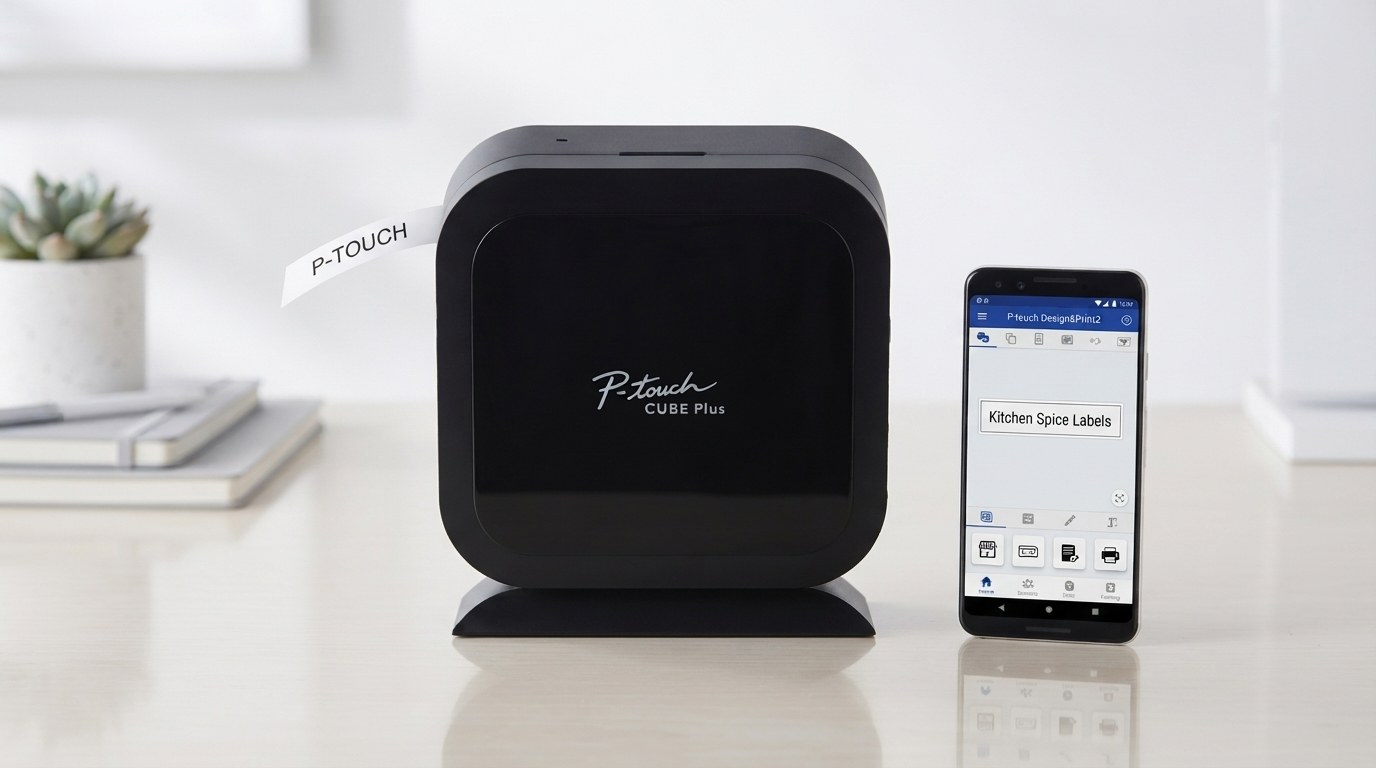
  4. 4 Brother P-touch CUBE+Most versatile 7 sources
1
Best overall

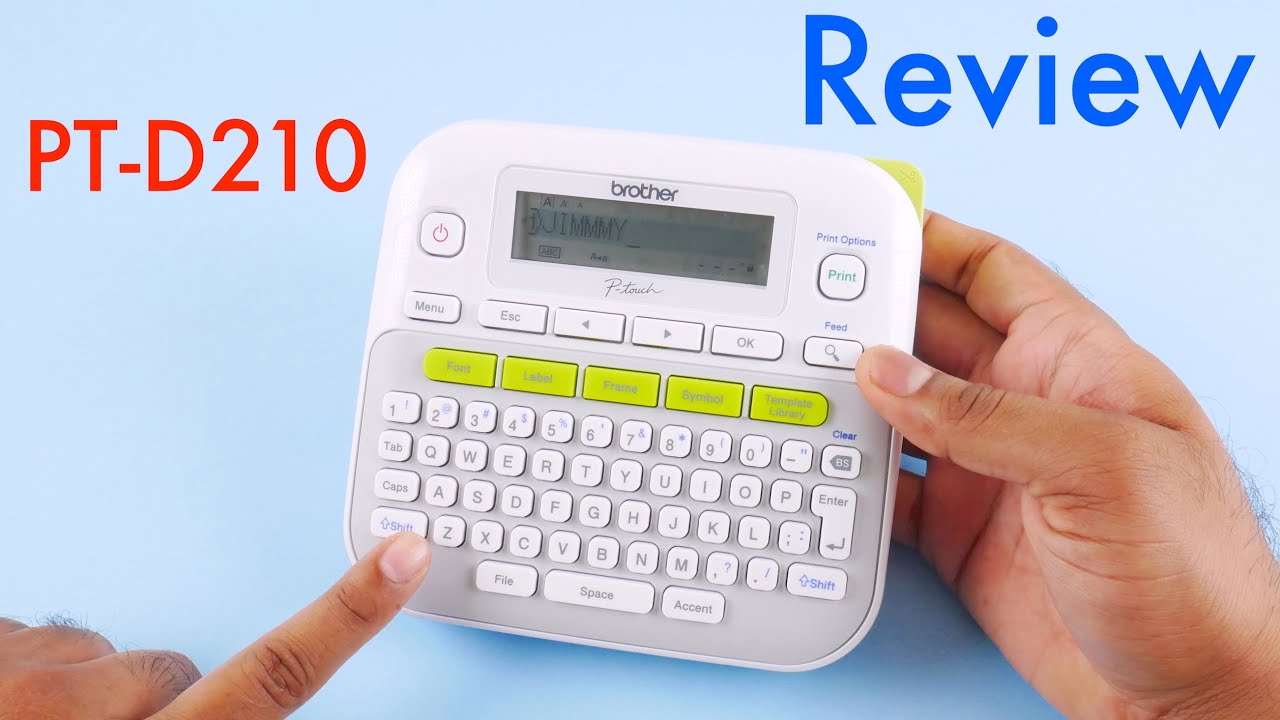
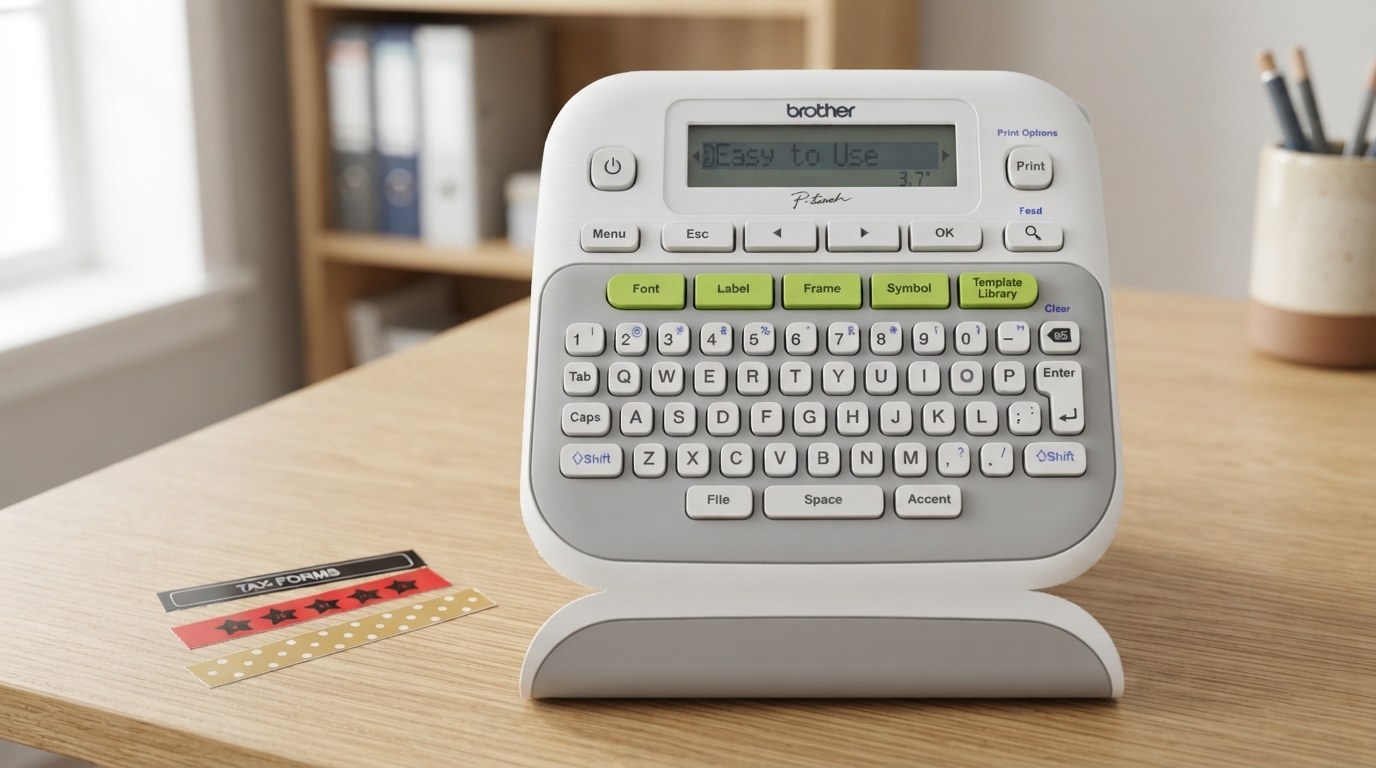
Brother PT-D210

Illustration of Brother PT-D210 Illustration of the product
Brother PT-D210 — thumbnail of a cited video review ▶ From a video review of this product Check price on Amazon →

affiliate link · goes to an Amazon search for this product

Power
6 AAA batteries
Print
Thermal-transfer TZe tape

Why it ranks here. The bestselling handheld labeller: a wide keyboard, 14 fonts, 99 frames and a symbol library with no computer needed, and print reviewers rate crisper than the Dymo's on Brother's laminated tape, which lasts for decades. One owner who has used it hard calls it fantastic, and a new buyer is very glad she bought it.

It wastes about an inch of tape at the start of every label, and nobody in the comments has found a setting that stops it; one owner suspects Brother likes selling tape. There is no tilde symbol, and tech support could not find one either. It eats six AAA batteries.

What owners like

  • Crisp print on laminated tape
  • 14 fonts, 99 frames, no computer
  • Excellent for heavy use

What owners complain about

  • Wastes an inch of tape per label
  • No tilde symbol
  • Six AAA batteries

I have one and it is excellent EXCEPT....I needed to print the tilde symbol "~". You guessed it, nowhere to be found. Called tech support and they could not find it either.— YouTube comment · @dkupy100 · 2016-06-07

4 positive · 1 mixed · 3 negative · 8 voices · ✓ all 8 linked to source

Read all 8 quotes (8 voices)
  • The print quality is probably its best feature. The prints were surprisingly crisp and very clear. I’d say the print quality was a little better than the Dymo LabelManager 160.

    YouTube review · ReviewLamp · 2016-06-07 · watch the original ↗

  • Great Review - I have just bought this Label Maker and after watching this review - very glad I did. Thank you.

    YouTube comment · @suzannesundstrom2732 · 2016-06-07 · watch the original ↗

  • I severaly used this label maker and its fantistic... I can't wait to buy my own

    YouTube comment · @mariamashiane9382 · 2016-06-07 · watch the original ↗

  • I got this from a second-hand store for $1.99 plus Hawaii tax. I went to a stationary store and found the price there for $47.xx, plus tax. : - )

    YouTube comment · @johnaranita · 2016-06-07 · watch the original ↗

  • Great review but don't you think that too much white space is used at the beginning and end of the printed label?

    YouTube comment · @MoTown44240 · 2016-06-07 · watch the original ↗

  • I have one and it is excellent EXCEPT....I needed to print the tilde symbol "~". You guessed it, nowhere to be found. Called tech support and they could not find it either.

    YouTube comment · @dkupy100 · 2016-06-07 · watch the original ↗

  • how to delete the wasted inch of tape on every label ?????

    YouTube comment · @uselessjoe · 2016-06-07 · watch the original ↗

  • Very good video but I don't know how to avoid the first part in blank of the label. This model haven't an easy way to avoid this because you know: more paper... more buy paper. Thanks.
    YouTube comment · @JoseAlvarez-nx2tf · 2016-06-07 · watch the original ↗

2
Simplest

Dymo LabelManager 160

Illustration of Dymo LabelManager 160 Illustration of the product
Dymo LabelManager 160 — thumbnail of a cited video review ▶ From a video review of this product Check price on Amazon →

affiliate link · goes to an Amazon search for this product

Power
6 AAA batteries
Print
Thermal-transfer D1 tape

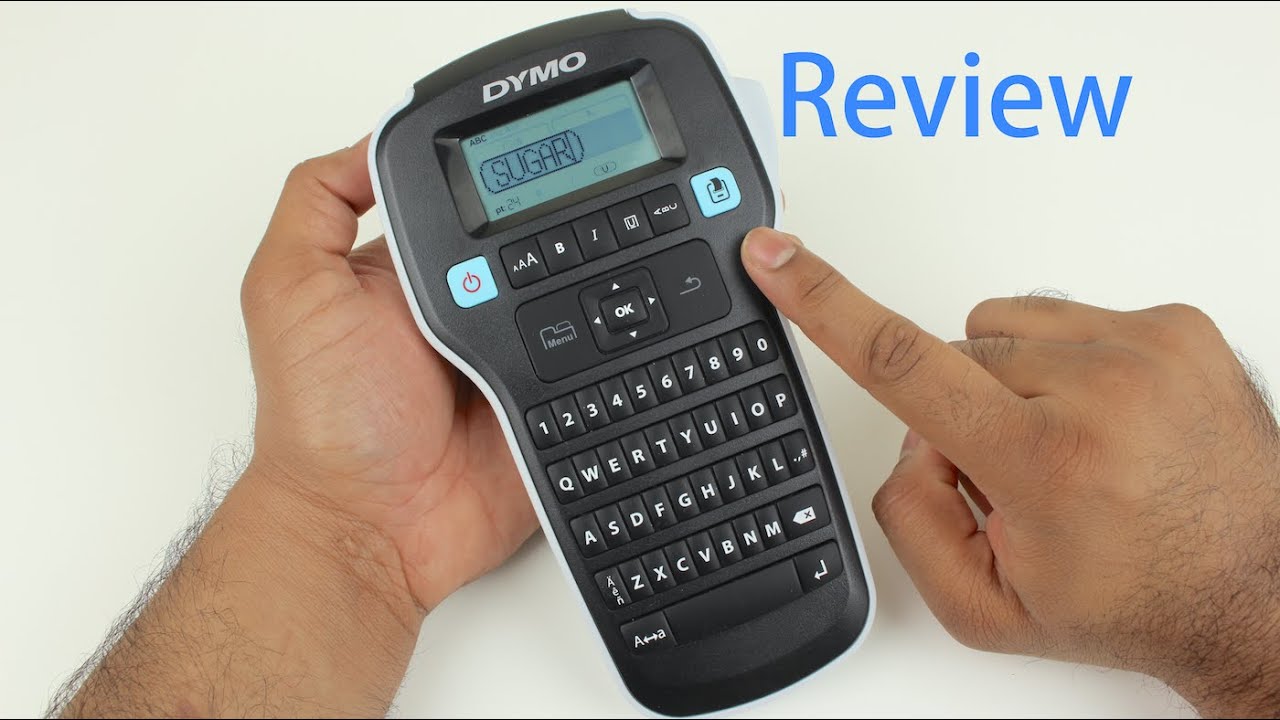
Why it ranks here. The classic cheap labeller: a typewriter-layout keyboard rather than an alphabetical one, crisp tape, cheap third-party cassettes, and so simple it needs no manual. One owner notes that what counts as entry level today would have been the high-end model back in the day.

It has no backlight, clearing the screen after a long label is tedious with no delete-all button, and a few units went wrong: one cassette printed a black sheet alongside the label, another printed nothing but blank tape after long use. It also takes six AAA batteries.

What owners like

  • Typewriter keyboard
  • Cheap third-party tape
  • Needs no manual

What owners complain about

  • No backlight
  • Tedious to clear long labels
  • A few blank or black prints

I have the Dymo LM160. I love it because it has a qwerty keyboard instead of alphabetical. And you can get third party labels that are not too expensive.— YouTube comment · @OstenTV_DK · 2025-02-04

5 positive · 1 mixed · 2 neutral · 2 negative · 10 voices · ✓ all 10 linked to source

Read all 10 quotes (10 voices)
  • The LabelManager 160 Label Maker is an exceptional product- its very well designed, is extremely easy to use, prints well, is priced right and just works as advertised.

    YouTube review · ReviewLamp · 2015-04-03 · watch the original ↗

  • Wow, this is the entry-level model? Back in the day, this would be the high-end model.

    YouTube comment · @CeeStyleDj · 2015-04-03 · watch the original ↗

  • I just bought one and love it💕💕💕

    YouTube comment · @mariankitagawa7525 · 2015-04-03 · watch the original ↗

  • I like mine, but clearing the screen after a print is a pain if it's very long worded. Should be a delete screen button.

    YouTube comment · @HonoringGeneralG.S.PattonJr · 2015-04-03 · watch the original ↗

  • my D1 cassette outputs a black sheet as well as the label itself. weird.

    YouTube comment · @CThienV · 2015-04-03 · watch the original ↗

  • For some reason my machine isn't printing anything, although I've used it many times before. Plain white tape comes out. I thought maybe there is an ink cartridge but no. Does anybody know why this is happening?

    YouTube comment · @lbelcher636 · 2015-04-03 · watch the original ↗

  • Took me a while to realize the label maker wasn’t going in the dishwasher.

    Reddit comment · u/u/Eversion28 · r/organization · 2021-08-05 · read the original ↗

  • My Brother label maker does. I use TZe tapes like these: Brother Genuine P-touch, TZe-231 2 Pack Tape (TZE2312PK) ½”(0.47”) x 26.2 ft. (8m) 2-Pack Laminated P-Touch Tape, Black on White, Perfect for Indoor or Outdoor Use, Water Resistant, TZE2312PK, TZE231

    Reddit comment · u/u/1BagLady1 · r/organization · 2021-08-04 · read the original ↗

  • https://www.amazon.com/DYMO-LabelManager-Handheld-Label-1790415/dp/B005X9VZ70 24 bucks on Amazon

    Reddit comment · u/u/quarryninja · r/organization · 2021-04-11 · read the original ↗

  • I have the Dymo LM160. I love it because it has a qwerty keyboard instead of alphabetical. And you can get third party labels that are not too expensive.

    YouTube comment · @OstenTV_DK · 2025-02-04 · watch the original ↗

3
Best value

Niimbot D110

Illustration of Niimbot D110 Illustration of the product
Niimbot D110 — thumbnail of a cited video review ▶ From a video review of this product Check price on Amazon →

affiliate link · goes to an Amazon search for this product

Power
Rechargeable, USB
Print
Direct thermal

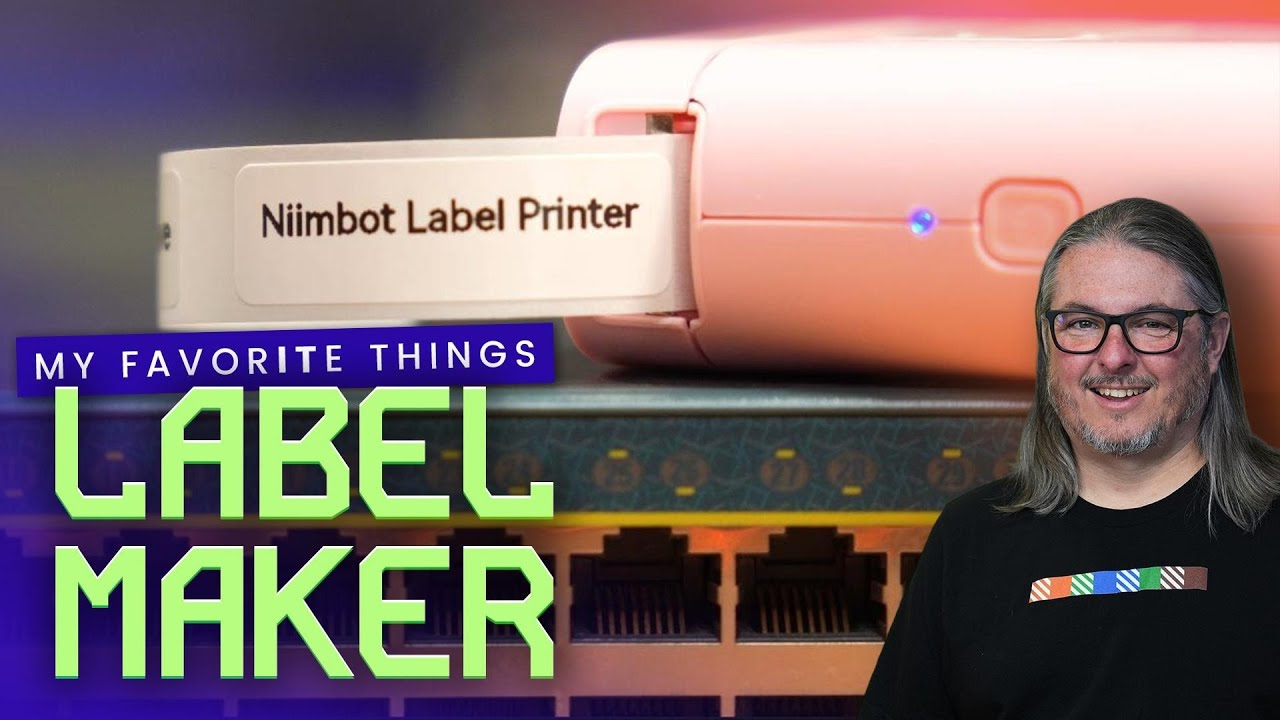
Why it ranks here. The pocket printer run from a phone, loved by home-lab and craft people for cheap coloured labels, glow-in-the-dark tags and cable flags. A home-lab owner who had paid many times more for a Brother had no idea decent label makers could be had that cheap, an office Dymo user found its cable flags so much nicer, and a charge lasts for ages.

Its heat-printed labels fade and discolour within a year, even on Niimbot's own rolls. It has no cutter, so you are limited to pre-cut stickers, and one owner has to delete it from Bluetooth and pair it again every time he uses it.

What owners like

  • Very cheap, phone driven
  • Coloured and glow labels
  • Charge lasts for ages

What owners complain about

  • Labels fade within a year
  • No cutter
  • Bluetooth needs re-pairing

I’ve have this exact same label maker. It’s extremely convenient to use along with the app. One major downside is the label will begin to fade and discolor within a year and this is using the niimbot branded labels.— YouTube comment · @max_and_cheese · 2025-02-04

6 positive · 2 mixed · 1 negative · 9 voices · ✓ all 9 linked to source

Read all 9 quotes (9 voices)
  • I bought it in 2022 and I've been using it ever since and I've been shocked that a label maker that I paid less than $30 for is still working 3 years later just like the day I bought it.

    YouTube review · Lawrence Systems (Tom) · 2025-02-04 · watch the original ↗

  • I’ve have this exact same label maker. It’s extremely convenient to use along with the app. One major downside is the label will begin to fade and discolor within a year and this is using the niimbot branded labels.

    YouTube comment · @max_and_cheese · 2025-02-04 · watch the original ↗

  • I had NO IDEA that decent label makers could be had for that cheap... I think I paid upwards of like $200 for my brother p-touch that I use in my home lab, and at work we have a brother p-touched networked model that was something like $500ish.

    YouTube comment · @joshhardin666 · 2025-02-04 · watch the original ↗

  • I bought one on Sunday after your live stream. We have a Dymo that can do cable flags at work and it sucks to use. These are so much nicer!

    YouTube comment · @awstott · 2025-02-04 · watch the original ↗

  • I have a nibot D101 printer. Can 2 two different label widths, cable and standard labels. Various colours so you can have AP cables a different tag colour to say PC connections. They even do glow in the dark labels. A charge lasts for ages and it's under £20. So it's a recommendation from me as well

    YouTube comment · @diceman199 · 2025-02-04 · watch the original ↗

  • I have been using a model d110 for 1 year and it's very good.

    YouTube comment · @MrMgrPL · 2025-02-04 · watch the original ↗

  • this does not have a way to cut the labels so you're limited to using stickers which limits the length of the text and font size. I would recommend spending a few dollars more for a label maker with a cutter.

    YouTube comment · @lifehackertips · 2023-10-30 · watch the original ↗

  • It's a great little printer with one big flaw. I have to delete it from Bluetooth and let the software find it again every time I use it.

    YouTube comment · @Rockstars-Gig-Memorabilia · 2023-10-30 · watch the original ↗

  • I love my lil NIIMBOT I got mind through a barter. I use it so I do not have to hand write labels anymore so people don’t have to finger out my tiny handwriting on my jewelry tags, lol.

    YouTube comment · @Antheywereded · 2023-10-30 · watch the original ↗

4
Most versatile

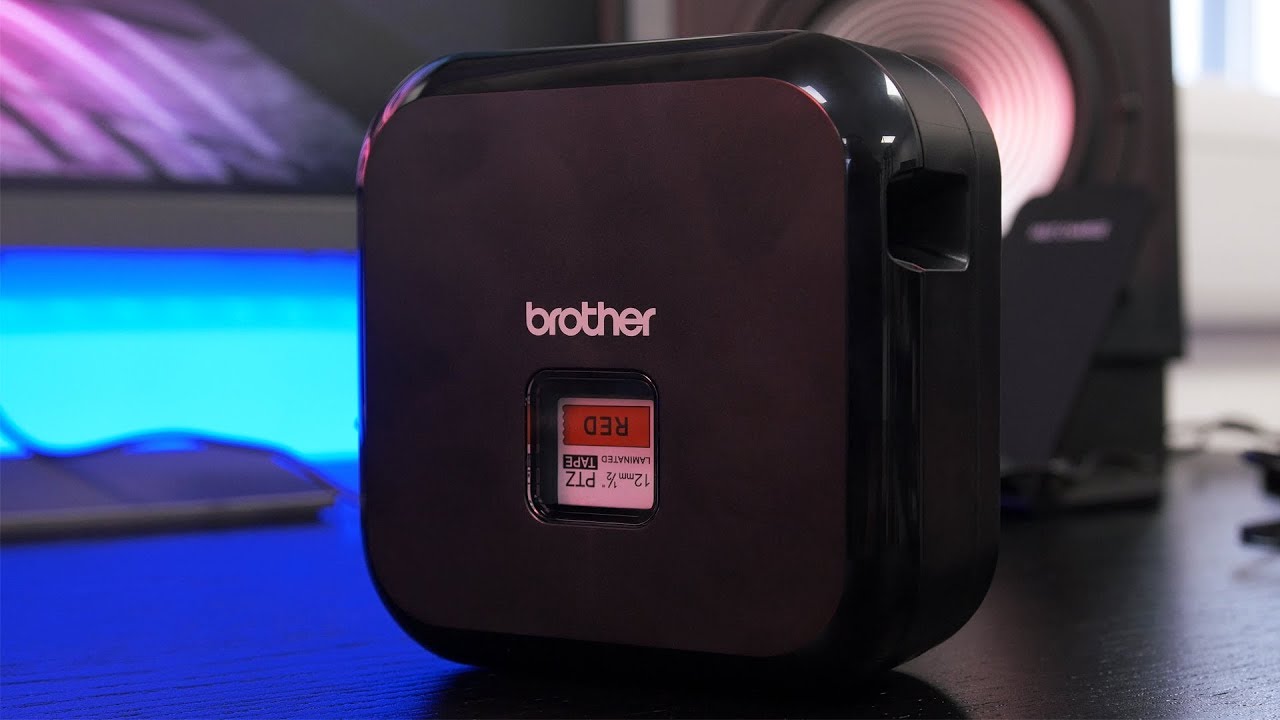
Brother P-touch CUBE+

PT-P710BT

Illustration of Brother P-touch CUBE+ Illustration of the product
Brother P-touch CUBE+ — thumbnail of a cited video review ▶ From a video review of this product Check price on Amazon →

affiliate link · goes to an Amazon search for this product

Power
Rechargeable, USB
Print
Thermal-transfer TZe tape

Why it ranks here. Brother's app-driven machine: labels up to five metres, QR codes and barcodes from a phone or PC, a rechargeable battery, and the laminated tape with the best record in the business. A broadcast engineer has used Brother machines since the early 1990s, and his 1994 machine's labels in radio and TV studios and satellite trucks lasted thirty years, much of it in the Florida sun. Off-brand tapes work in it.

Genuine tape is expensive, and the strip wasted on every print adds up to a significant share of the roll. One unit jammed on the first cartridge, printed multiple copies and then empty labels, and another would not pair with a Bluetooth laptop with support unreachable.

What owners like

  • Tape that lasts thirty years
  • Long labels, QR codes, barcodes
  • Rechargeable, takes off-brand tape

What owners complain about

  • Genuine tape is dear, and wasted
  • Jams on some units
  • Laptop pairing trouble

I've been using Brother P-Touch TZ series machines since the early 1990s. I ended buying Brother's top-of-the-line machine around 1994 and it finally broke last year. 30 years. And it's labelled countless radio & TV studios, satellite trucks, arenas, etc. We're talking labelling these ENTIRE facilities with that machine. The mechanism still worked but the plastic case became brittle and cracked after 30 years, much of it spent in the back of a car/truck in the FL sun.— YouTube comment · @grayrabbit2211 · 2025-02-04

1 positive · 2 mixed · 4 negative · 7 voices · ✓ all 7 linked to source

Read all 7 quotes (7 voices)
  • The only downside that I did find is just the price of the consumables. tapes from Brother are really expensive... I've got 12 mm in four different colors... and it all came to about $60.

    YouTube review · Jordan Ash · 2019-08-02 · watch the original ↗

  • This blue tooth printer will not pair with a blue tooth enabled laptop. Customer/technical support is unavailable DO NOT PURCHASE THIS PRINTER WITH THE INTENT OF USING WITH YOUR BLUE TOOTH LAPTOP.

    YouTube comment · @duanerueber8515 · 2019-08-02 · watch the original ↗

  • The off brand tapes are worth it.

    YouTube comment · @brianmerckx7575 · 2019-08-02 · watch the original ↗

  • Just hate that these printers waste pieces of tape! Adding up all the pieces of wasted tape is a significant percentage of the tape roll! Gotta be another way...

    YouTube comment · @frankvet1 · 2023-07-14 · watch the original ↗

  • Brother ptouch printer sucks. First use and cartridge jams. Prints multiple copies of your label. then it prints empty labels. DO NOT BUY.

    YouTube comment · @MrTweetyhack · 2023-07-14 · watch the original ↗

  • What a terrible design to waste that little strip.

    YouTube comment · @largeleif · 2023-07-14 · watch the original ↗

  • I've been using Brother P-Touch TZ series machines since the early 1990s. I ended buying Brother's top-of-the-line machine around 1994 and it finally broke last year. 30 years. And it's labelled countless radio & TV studios, satellite trucks, arenas, etc. We're talking labelling these ENTIRE facilities with that machine. The mechanism still worked but the plastic case became brittle and cracked after 30 years, much of it spent in the back of a car/truck in the FL sun.

    YouTube comment · @grayrabbit2211 · 2025-02-04 · watch the original ↗

Frequently asked questions

Do label makers need ink?

No, the Niimbot prints by heat on special paper and the Brother and Dymo use tape cassettes, so nothing dries out.

Phone-app sticker printer, or a classic one with a keyboard?

The Bluetooth printer is cheaper and tinier, but its heat-printed labels fade within about a year, while Brother and Dymo laminated tape lasts decades.

Batteries?

The Dymo and the Brother PT-D210 take six AAA cells or a mains adapter, while the Niimbot and the CUBE+ recharge over USB.

Why the blank strip at the start of every label?

It is the gap between the print head and the cutter, no setting removes it, and only the sticker printer avoids it.

How this ranking was made

Every quote on this page links to the post or video it came from, so you can read it in context. ✓ 34 quotes from 33 distinct voices.